![skyJLV's Infra [DAY3] [ASIA] [NA/EU], Arknights: Endfield AIC blueprint preview](/images/variants/blueprints/skyjlvs-infra-day3-asia-na-eu-1200.avif)
Asia1725 kW draw
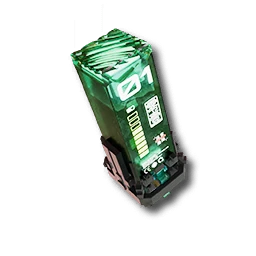
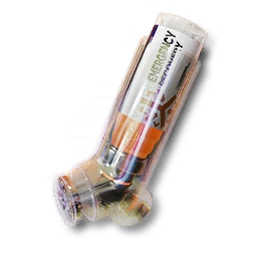
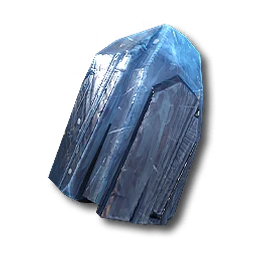
- 6/minBuck Capsule [B]
- 6/minCryston Component
- 6/minSC Valley Battery
- +2
EFO01u8U47AaI90aaAoOUArknights: Endfield · Mid-game layout
250 likes on the source, 148,387 views. By faust, Americas/Europe, mid game stage.
EFO0172UAoIUu95AO0Ai
| Code | EFO0172UAoIUu95AO0Ai |
|---|---|
| Author | faust |
| Region | Americas/Europe |
| Stage | Mid game |
| Topic | Mid-game layout |
| Footprint | Not published |
| Power | 1745 kW draw, 1800 kW generated |
| Posted | 2026-01-25 |
| Likes / views | 250 likes / 148,387 views, read 2026-09-20 |
Main Base in Wuling separated into 4 parts with plenty space left for future upgrades. Needs 1st area upgrade and depot. EFO0172UAoIUu95AO0Ai - Top Right EFO01O3E216E97Ii9oe4 - Bottom Right EFO01eE7UIu7304ioAi8 - Bottom Left EFO011ea02EaOoU734O7 - Top Left
EFO0158OEE6UU7uoeIoe - Jingyu (needs depot doesn't matter where u place just connect water and done)
Of note is you will keep losing ferrium until higher development
Endfield Tools does not publish a required tech tier or Authority level for a blueprint. If the game refuses to place this layout, unlock the facilities its buildings need first.
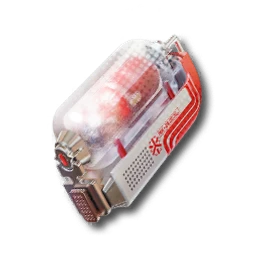
Highest-liked Mid Game plan (250 likes): a Wuling plus Jingyu Valley base producing an LC Wuling Battery and a Yazhen Syringe [C] line together, the two staples of that stage. Read 250 likes on 2026-09-20.
More picks for mid-game layout.
Asia1725 kW draw
EFO01u8U47AaI90aaAoOUFrom any AIC Area, open the Blueprints Menu (F1 on PC).
In the Blueprints Menu, choose Import Blueprint, in the lower-right of the screen.
Paste the code above exactly as shown, with no extra spaces or line breaks.
Confirm the summary page shows this blueprint, then choose Save to Shared Blueprints.
Open the saved blueprint, choose Place, position it in your AIC, and confirm.