

![Buck Capsule [C], Arknights: Endfield AIC blueprint preview](/images/variants/blueprints/buck-capsule-c-1200.avif)
Arknights: Endfield · Beginner base layout
skyJLV's Infra [DAY2] [ASIA] [NA/EU]
270 likes on the source, 349,036 views. By shibarchik, Asia, beginner stage.
EFO01I3A5Ui0o69o5o08![skyJLV's Infra [DAY2] [ASIA] [NA/EU], Arknights: Endfield AIC blueprint preview](/images/variants/blueprints/skyjlvs-infra-day2-asia-na-eu-1200.avif)
At a glance
| Code | EFO01I3A5Ui0o69o5o08 |
|---|---|
| Author | shibarchik |
| Region | Asia |
| Stage | Beginner |
| Topic | Beginner base layout |
| Footprint | Not published |
| Power | 805 kW draw, 1040 kW generated |
| Posted | 2026-01-23 |
| Likes / views | 270 likes / 349,036 views, read 2026-09-20 |
Products
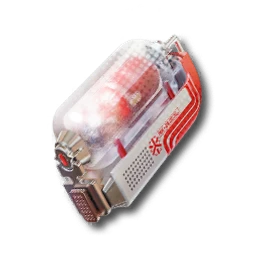
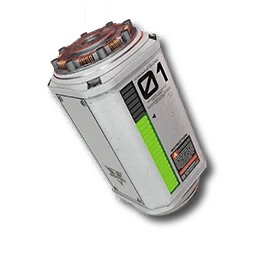
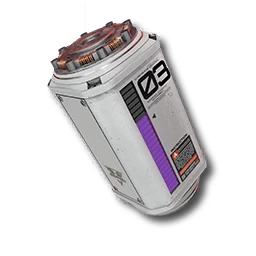
- 6/minBuck Capsule [B]
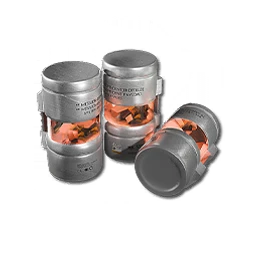
- 6/minFerrium Component
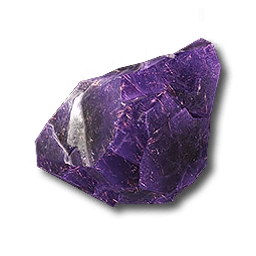
- 90/minAmethyst Part
- 75/minFerrium Part
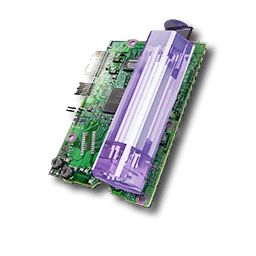
- 6/minLC Valley Battery
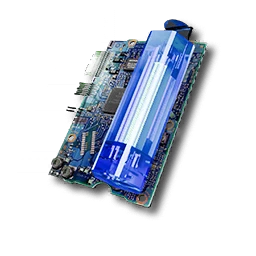
- 6/minHC Valley Battery
- 6/minIndustrial Explosive
Inputs
- 1/minBuckflower
- 150/minAmethyst Ore
- 150/minFerrium Ore
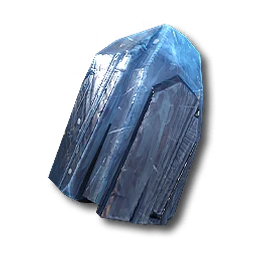
- 300/minOriginium Ore
- 1/minAketine
Description
To start making factory, u have to start from HUB, because it has power supplement, otherwise it wont work, so check out other ones. They're also by me on this website.
U need to have same tree as on screenshot above.
BEFORE START. you must to produce: originium 300/min amethyst 150/min ferrium 150/min - IMPORTANT
in order to get EU/NA codes, please check the video down below, then click on it and check it's description, it has all sheets with codes inside it.
PRODUCTION DATA IN TOTAL FROM HUB, VALLEY, INFRA
Requirements
Endfield Tools does not publish a required tech tier or Authority level for a blueprint. If the game refuses to place this layout, unlock the facilities its buildings need first.
Why this one
The single most-liked Early Game plan in the pool by a wide margin (270 likes, 349k views): a HUB plus Valley sub-base feeding Originium, Amethyst and Ferrium into batteries, a capsule and an explosive line. Read 270 likes on 2026-09-20.
Related blueprints
More picks for beginner base layout.
How to import this blueprint
- 01
Open the Blueprints Menu
From any AIC Area, open the Blueprints Menu (F1 on PC).
- 02
Go to Import Blueprint
In the Blueprints Menu, choose Import Blueprint, in the lower-right of the screen.
- 03
Paste the code
Paste the code above exactly as shown, with no extra spaces or line breaks.
- 04
Check the summary and save
Confirm the summary page shows this blueprint, then choose Save to Shared Blueprints.
- 05
Place it
Open the saved blueprint, choose Place, position it in your AIC, and confirm.
CreditBuilt and shared by shibarchik on Endfield Tools, the community Factory Plans library this site’s Blueprints section is picked from. See the full blueprint library for every other pick.
skyJLV's Infra [DAY2] [ASIA] [NA/EU] FAQ
- Does the skyJLV's Infra [DAY2] [ASIA] [NA/EU] blueprint code still work?
- Its code, "EFO01I3A5Ui0o69o5o08", is copied exactly from the source's own listing, read on 2026-09-20. Endfield Tools does not publish an expiry for a blueprint code; if the game changes its AIC recipes in a future version, an older code may need rebuilding by hand.
- What region is this blueprint for?
- Asia. Codes are region-locked: this one will not import on an account on a different region.
- What does skyJLV's Infra [DAY2] [ASIA] [NA/EU] produce?
- Buck Capsule [B] at 6/min, Ferrium Component at 6/min, Amethyst Part at 90/min, Ferrium Part at 75/min, LC Valley Battery at 6/min, HC Valley Battery at 6/min, Industrial Explosive at 6/min.
- How do I import this code?
- Open the Blueprints Menu (F1 on PC) from any AIC Area, choose Import Blueprint, paste the code, confirm the summary, save it, then Place it in your AIC. Full steps are below.
- Why was skyJLV's Infra [DAY2] [ASIA] [NA/EU] picked for beginner base layout?
- The single most-liked Early Game plan in the pool by a wide margin (270 likes, 349k views): a HUB plus Valley sub-base feeding Originium, Amethyst and Ferrium into batteries, a capsule and an explosive line.